

URL: https://v1.desy.de/site_www-desy/content/administration/forms/quick_guide_forms/index_eng.html
Breadcrumb Navigation
Quick guide FORMS
Language Settings
You can change the language setting in the top menu bar and choose between German and English.
Search
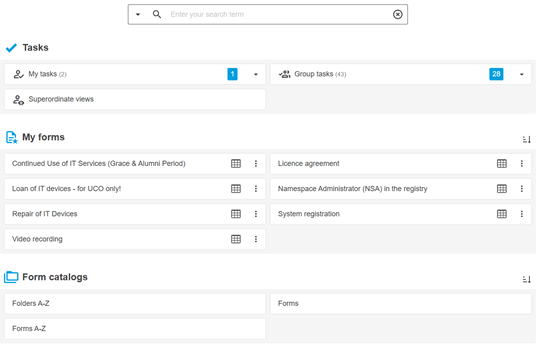
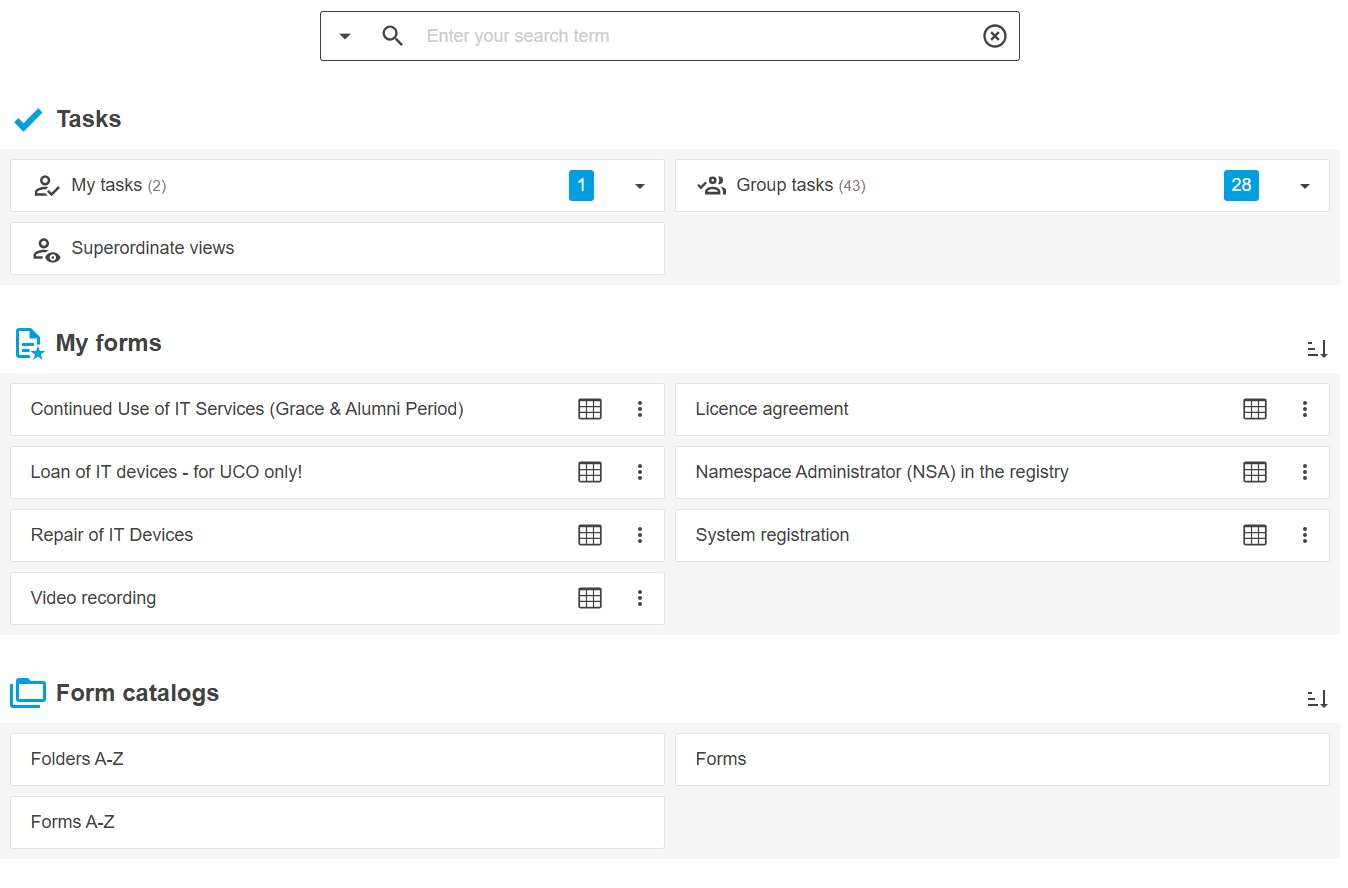
Under "Forms A-Z," you will find an alphabetical list of all forms on the form server.
Under "Folders A-Z," the folders are listed alphabetically for you to choose from.
Latest updates (bell icon)
The latest information is provided here.
Tasks
In the Tasks section, you can see the tasks that have been assigned to you or your FORMS group as part of workflows.
My Forms
This section displays the forms you have marked as favorites.
If you haven't marked any forms as favorites yet, this section will not appear.
Form catalogs
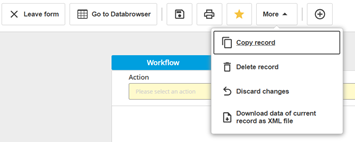
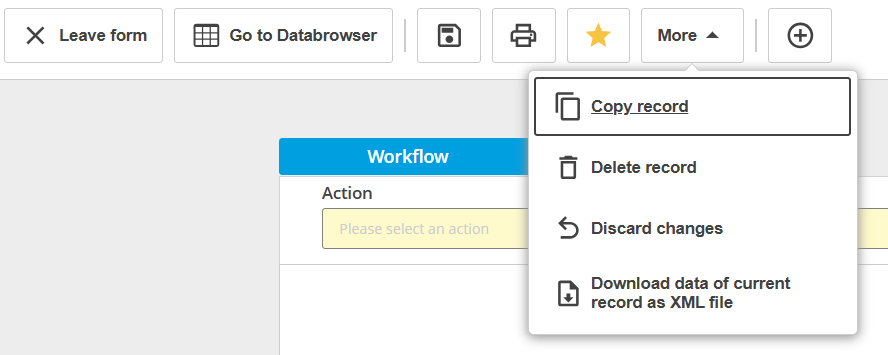
Figure: Menu of form
Leave form
Click “Leave form” to close the form and return to the dashboard.
Go to Databrowser
Save (Floppy disk icon)
Print (Icon printer)
Favorites (Icon star)
You can add a form to your favorites by clicking the star icon, and remove it by clicking it again. The favorites will then appear in the dashboard under “My forms.”
Attachments (Paperclip icon) - in some forms
You can use this feature to manage attachments. Any attachments that have already been added will be displayed.
More (Copy, delete, or discard changes to a record)
Copy Record
You can copy the data from a form that has already been filled out so that you can edit the copy without having to re-enter everything.
Delete Record
Clicking this icon deletes the currently open record. A confirmation prompt will appear.
Discard changes
Clicking this icon discards any changes made to the form.
New record (Icon plus)
Clicking this icon creates a new record. You will be asked if you want to save the currently open record first.
